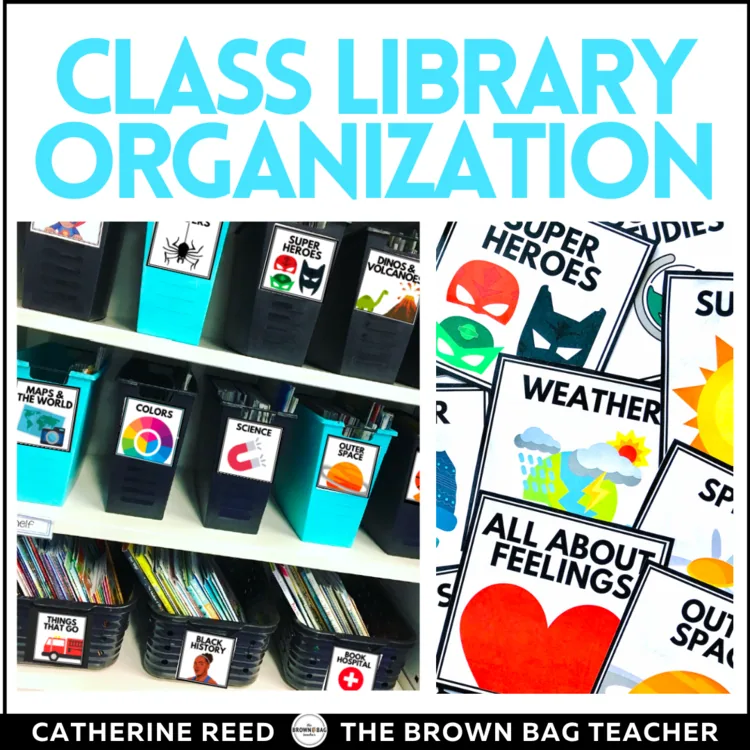
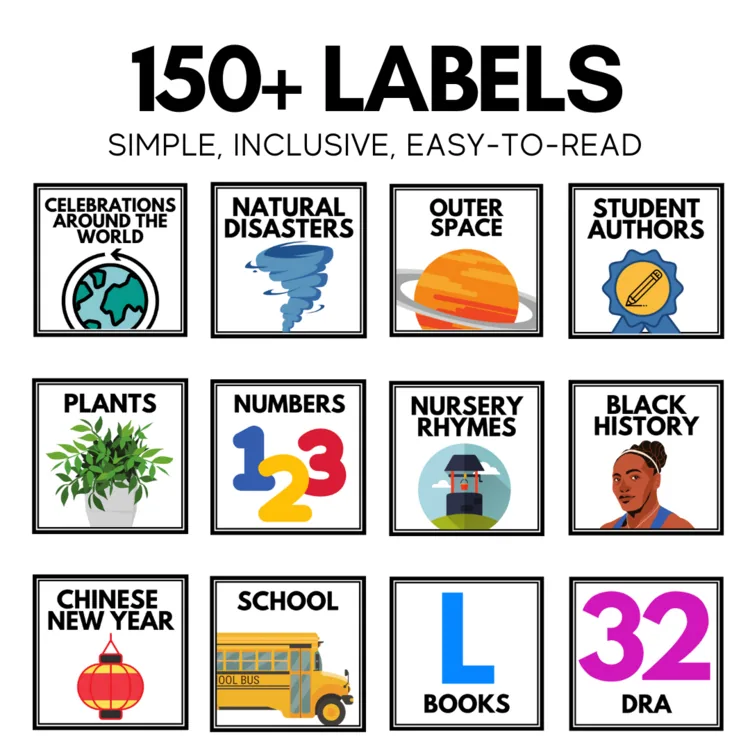
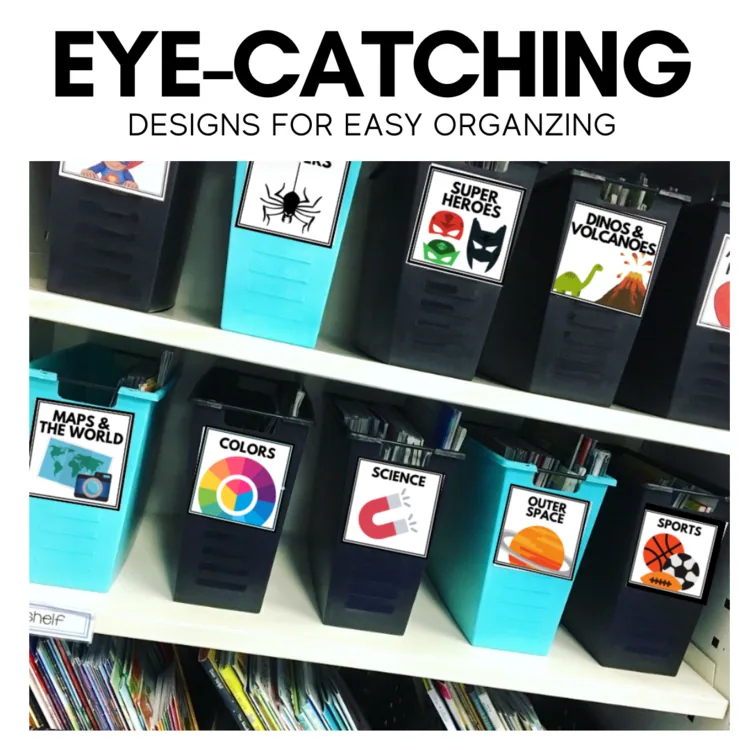
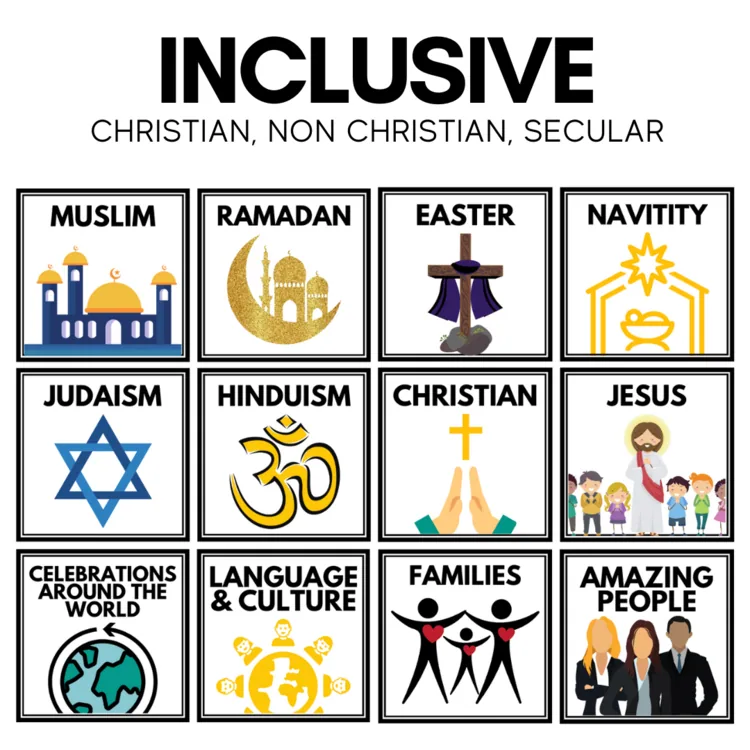
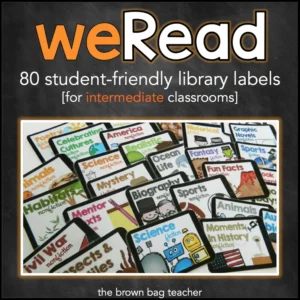
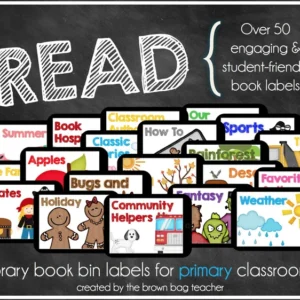
Accessible and easy-to-use classroom libraries matter. This 150+ library bin labels are inclusive, simple to read, include eye-catching graphics, and are ready-to-print.
Accessible and easy-to-use classroom libraries matter. This 150+ library bin labels are inclusive, simple to read, include eye-catching graphics, and are ready-to-print.
Labels Included…
school
apples
pumpkins
leaves
bats
Halloween
spiders
Thanksgiving
snow
Chinese New Year
snowmen
penguins
reindeer
Santa
elves
holiday
Black History
presidents
Valentines
MLK Jr.
teeth
100th Day
Groundhogs
St. Patrick’s Day
spring
rabbits
plants
Earth
butterflies
bugs
frogs & toads
life cycles
America
graduation
beach
maps & the world
colors
numbers
alphabet
money
science
social studies
writing
math
spring
summer
fall
winter
sports
weather
human body
outer space
zoo
things that go
dinos & volcanoes
dogs & cats
natural disasters
reptiles
STEAM
nature
fairy tales
current events
nursery rhymes
poetry
Book Hospital
favorite characters
teacher favorites
student approved
growth mindset
graphic novels
student authors
chapter books
farms
ponds & rivers
cities & towns
in the sky
rainforests
oceans
deserts
arctic
Muslim
Ramadan
Judiam
Hinduism
Easter
nativity
Christian
Jesus
birthday
super heros
all about feelings
royalty
community helpers
families
fire safty
pets
humor & jokes
ghost stories
technology
amazing people
mysteries
readers theatre
celebrations around
the world
language & culture
GRL: A – Z
DRA: A-44
Are these labels editable?
Due to copyright of fonts and images, these labels are not editable. You are not able to make changes.
Suggestions for Use?
Printing the book bin labels on cardstock and hot laminating will give your labels the greatest lifespan. I love to use Glue Dots: Permanent (but be warned they are almost impossible to get off) to attach the labels to bins.
What if I want to book bin labels smaller or larger?
Good for you! In Print Settings you can print the labels two pages at a time (to reduct the size), print at a specific scale, or even enlarge. Note: The intended size is 4” by 4”. So, if you want to change the size, you are committing to spending time fiddling.
How do I get students to put books in the right bin?
Maybe the need to have a perfectly organized classroom library is something we can let go of this year. I’ll take a used and loved library over a pristine library can creates fear “What if I put a book in the wrong spot?” Rather, let’s empower students to make thoughtful choices through modeling, collaboration, and trial and error.
Additionally, what happens if there isn’t just a single “right” bin for a book? Many books could belong to multiple bins. (For example – science, natural disasters, weather.) Try building time into your monthly classroom schedule to maintain your classroom library as a community. Have students (with your support) clean, cull, organize, and discuss the classroom library book bins each month.
14 reviews for Classroom Library Book Bin Labels for Back to School | Themes and Book Levels
Rated 5 out of 5
Lisa S. –
Loved using these labels to organize my classroom library. I have so many books and these labels really helped the process.
Rated 5 out of 5
Miss Becca SLP –
Super cute and colorful. My bookshelf is a dream!
Rated 4 out of 5
Ambra H. –
Redid all my bookbaskets and this was so helpful! Made it extremeley easy!
Rated 4 out of 5
Randi G. –
These were just what I was looking for! A great resource to help organize your classroom!
Rated 5 out of 5
Crystal W. –
I needed something that was straightforward, editable and cute! These were perfect!
Rated 3 out of 5
Amanda H. –
These book bin labels are very nice to look at and there are lots of labels. Unfortunately, since they are not editable, I am not going to be able to use them because I have lots of book collections that aren’t represented on the labels. Also, the label for “school” is misspelled (hopefully an easy fix for the creator of this resource). If this had cost less, I would not be as disappointed but I am going to be looking for a different resource to use instead.
Rated 5 out of 5
Santana D. –
School hasn’t started but they look great on my class wall.
Rated 5 out of 5
Staci R. –
These were great for organizing my classroom library. Pretty and colorful! And lots of labels to choose from.
Rated 5 out of 5
Shannon M. –
Perfect for getting rid of leveled libraries and revamping our resources. Thank you!
Rated 5 out of 5
Andrea G. –
I love how clear these labels are. They are vivid and clearly labeled. The students are able to identify where the books should be returned. Also, it has made it easier for students to find the books they are looking for. I love the labels!
Rated 4 out of 5
Rebekah W. –
Thank you for the library resource!
Rated 5 out of 5
Meet Me at the Carpet –
I feel so much more organized! My shelves look amazing!
Right after you check out, your download links are on the order confirmation page, and your receipt email has the same links. Don’t see the email? Check your spam or promotions folder.
Each resource downloads as a .zip folder that holds all of its files.
iPhone or iPad: open the Files app, find the zip in Downloads, and tap it. It unzips into a folder you can open.
Mac: double-click the zip.
Windows: right-click the zip and choose Extract All.
My file won’t open or shows a file-path error.
This usually happens on Windows when the files are unzipped inside the Downloads folder, because the folder path gets too long. Move the zip to your Desktop, then right-click it and choose Extract All.
Still stuck? Reach out and I’ll help.
Do I need an account?
No, you can check out without signing up. An account is created for you automatically with the email you use at checkout, and you’ll get an email to set your password. If you already have an account, your order is added to it.
All major credit and debit cards, Apple Pay and Google Pay (through Stripe), plus PayPal and Venmo. Payments are processed securely, and your card details never touch this site.
What is your refund policy?
Because these are digital resources, they can’t be returned once they’re downloaded. Please look over the product description and preview before you buy.
If something is wrong with a file, or you bought the same resource twice by mistake, reach out and I’ll make it right.
Practical K-2 math and upper-elementary morphology ideas, straight to your inbox. No spam, unsubscribe any time.
They can make ten. Can they use it?
Help students turn “I know ten” into “I can use ten.”
Join me for a hands-on workshop exploring what to model, which questions to ask, and how to respond when students get stuck using ten to add and subtract.
Includes a printable Teacher Toolkit, ready-to-use Number Talks, and the workshop recording.
Lisa S. –
Loved using these labels to organize my classroom library. I have so many books and these labels really helped the process.
Miss Becca SLP –
Super cute and colorful. My bookshelf is a dream!
Ambra H. –
Redid all my bookbaskets and this was so helpful! Made it extremeley easy!
Randi G. –
These were just what I was looking for! A great resource to help organize your classroom!
Crystal W. –
I needed something that was straightforward, editable and cute! These were perfect!
Amanda H. –
These book bin labels are very nice to look at and there are lots of labels. Unfortunately, since they are not editable, I am not going to be able to use them because I have lots of book collections that aren’t represented on the labels. Also, the label for “school” is misspelled (hopefully an easy fix for the creator of this resource). If this had cost less, I would not be as disappointed but I am going to be looking for a different resource to use instead.
Santana D. –
School hasn’t started but they look great on my class wall.
Staci R. –
These were great for organizing my classroom library. Pretty and colorful! And lots of labels to choose from.
Shannon M. –
Perfect for getting rid of leveled libraries and revamping our resources. Thank you!
Andrea G. –
I love how clear these labels are. They are vivid and clearly labeled. The students are able to identify where the books should be returned. Also, it has made it easier for students to find the books they are looking for. I love the labels!
Rebekah W. –
Thank you for the library resource!
Meet Me at the Carpet –
I feel so much more organized! My shelves look amazing!
Stephanie S. –
Helpful organizational tool for the classroom
Brooke V. –
Great way to label my bins for my library!