Finding just-right resources for all of our learners is a full time job, especially for my highest group of mathematicians. These are the friends that are working a grade-level (or two) above 1st grade and the ones who sometimes struggle to show growth on District Assessment programs (STAR, MAP, etc.).
Finding just-right resources for all of our learners is a full time job, especially for my highest group of mathematicians. These are the friends that are working a grade-level (or two) above 1st grade and the ones who sometimes struggle to show growth on District Assessment programs (STAR, MAP, etc.). As teachers, our initial reaction is to say – “Hey, these friends know the first grade content. I’m time to move on.” – only to repeatedly hear from math coaches and administrators – “Don’t teach another grade level’s math content!” So, the question for the ages – if I can’t teach 2nd or 3rd grade content, how do I challenge these students and move them forward?
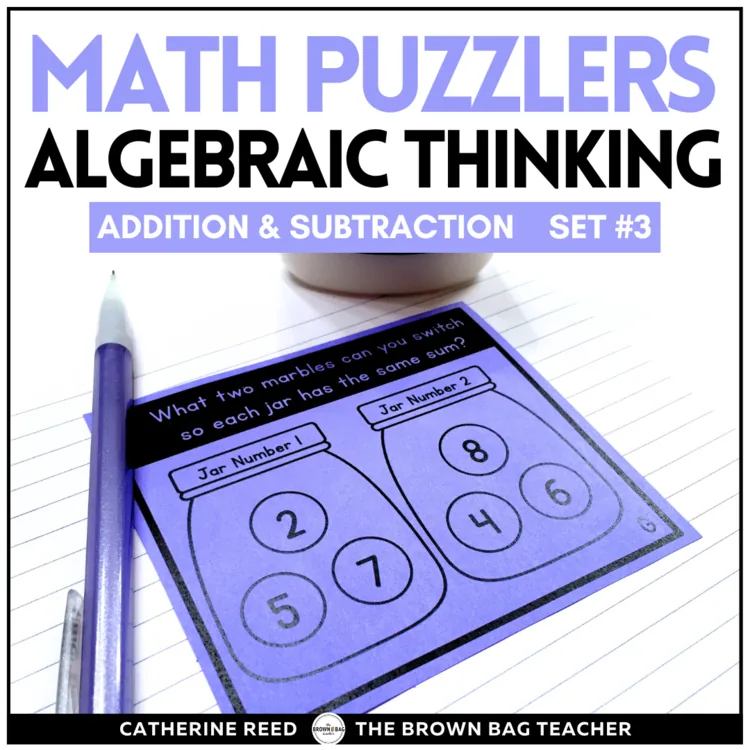
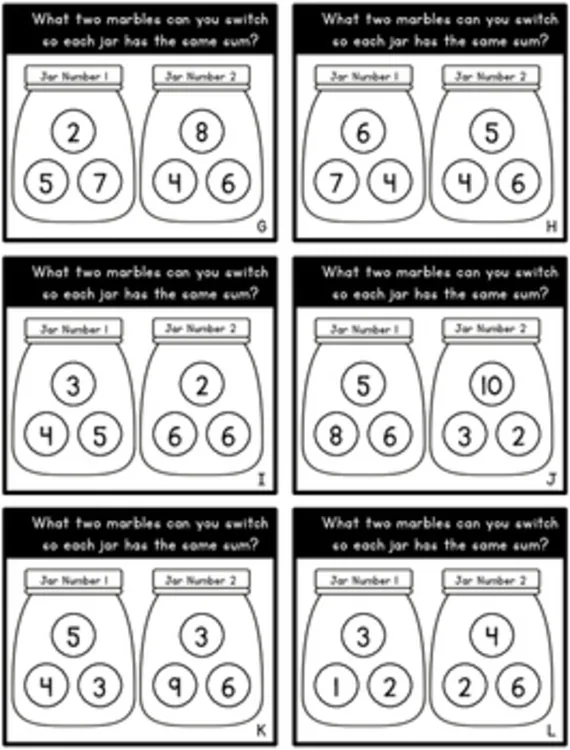
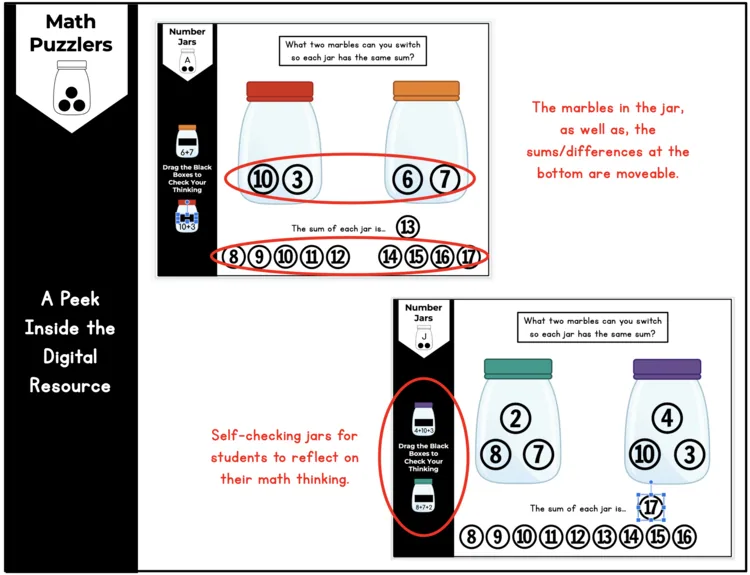
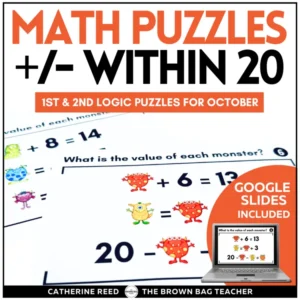
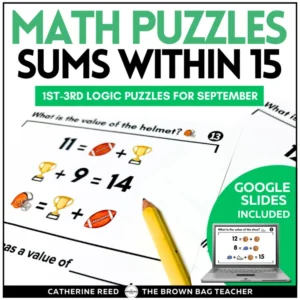
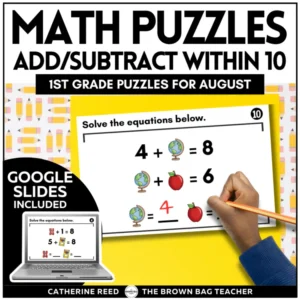
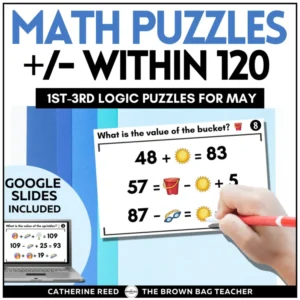
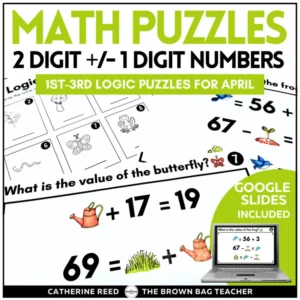
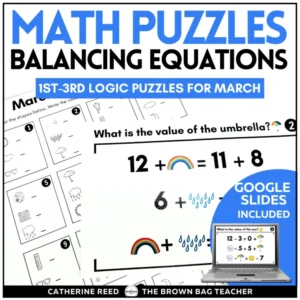
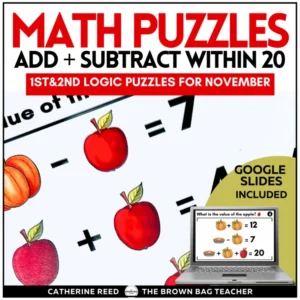
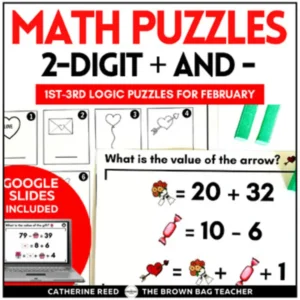
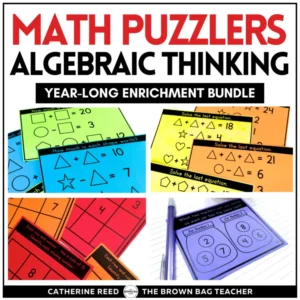
In this Math Puzzlers Set #3, you’ll find PRINT AND DIGITAL versions of 18 addition/subtraction brain teasers (and teacher answer keys) that require students to find which two numbers that can be swapped so both jars (or equations) are equal to one another. When working with these problems, students are intertwining their understandings of addition, subtraction, missing addends, and commutative property. This 3rd set of Math Puzzlers is more difficult than my Math Puzzlers Set #1 and my Math Puzzlers Set #2.
In this resource, you’ll find
18 addition/subtraction brain puzzlers (print and digital versions)
2 blank printable templates for student-created puzzlers and 1 digital template
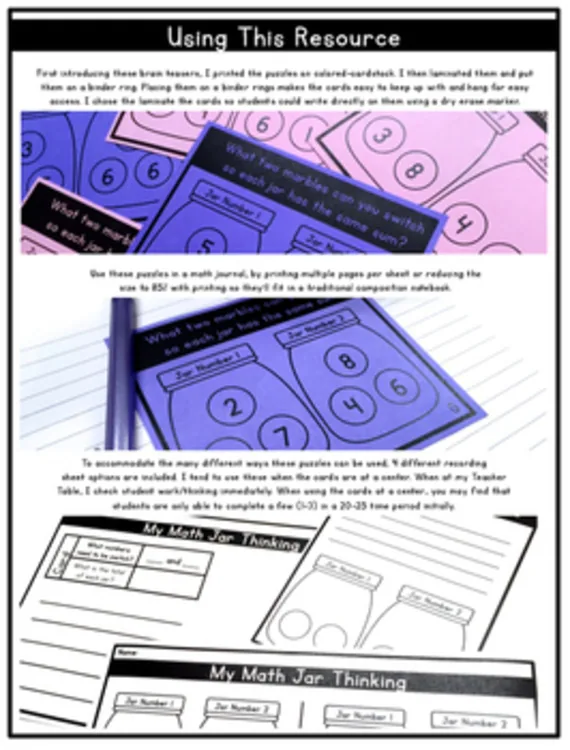
4 Printable Recording Pages (to meet the needs of many classrooms)
Teacher answer keys
**These shape equations can be purchased in a discounted BUNDLE of all 4 of my Math Puzzlers here.**
Accomplishing difficult tasks allows students to develop a mindset of growth and resilience. Students know it’s okay to make mistakes, try the wrong number, or unknowingly defend the wrong number. The sense of accomplishment when students complete a puzzle task (sometimes taking up to 15-20 minutes) is significant. Now, my highest mathematicians beg for these cards and love the challenge. Our motto has quickly become, “Our brains love to do hard things.”
How Do I Use These for a Whole-Class Number Talk?
Using Google Slides you are able to display these prompts. If you download the Page Marker Google Chrome extension, you can write directly on the slides (no log-in required) in different colors. Using an Interactive Whiteboard, you can use the markers or your finger to write on top of these images/slides. If using a touch-screen Chromebook or iPad, you can use a stylus to record students’ thinking. Should you want to rock a low-technology option, display the prompt on a screen and record student thinking on anchor chart paper, a white board, or an easel.
Can I share this with students?
Yes! On a password-protected site or platform, you are welcome to share this digital file with students and families. That might look like a Google Classroom, a password-protected website, a password-protected Flip Grid, See Saw, etc. Due to copyright, the digital file may not be placed on a class website that is accessible to the general public. Have questions? Ask a Q&A on Teachers Pay Teachers, and I’m happy to answer!
With what programs is this compatible?
This digital file is able to work with GoogleTM Slides, Google Drive, SeeSaw. Microsoft OneDriveTM, or Pic Collage. Then students may submit their thinking digitally. For instructions on how to use this resource with Microsoft OneDriveTM and SeeSaw visit bit.ly/digitalinstructions
Can I share just one or a few puzzles at a time?
After you make a copy of this digital file and add it to your Google Drive, you are free to manipulate the slides. You can add/delete/or move around the pages to meet the needs of your students. Only want to share one puzzle? Perfect. Delete the other slides and share the file via Google Classroom for your students. Then, when you want the rest of the tasks, you can come back to this link and reopen the original file.
Right after you check out, your download links are on the order confirmation page, and your receipt email has the same links. Don’t see the email? Check your spam or promotions folder.
Each resource downloads as a .zip folder that holds all of its files.
iPhone or iPad: open the Files app, find the zip in Downloads, and tap it. It unzips into a folder you can open.
Mac: double-click the zip.
Windows: right-click the zip and choose Extract All.
My file won’t open or shows a file-path error.
This usually happens on Windows when the files are unzipped inside the Downloads folder, because the folder path gets too long. Move the zip to your Desktop, then right-click it and choose Extract All.
Still stuck? Reach out and I’ll help.
Do I need an account?
No, you can check out without signing up. An account is created for you automatically with the email you use at checkout, and you’ll get an email to set your password. If you already have an account, your order is added to it.
All major credit and debit cards, Apple Pay and Google Pay (through Stripe), plus PayPal and Venmo. Payments are processed securely, and your card details never touch this site.
What is your refund policy?
Because these are digital resources, they can’t be returned once they’re downloaded. Please look over the product description and preview before you buy.
If something is wrong with a file, or you bought the same resource twice by mistake, reach out and I’ll make it right.

Alfred Nester –
Love math brain puzzles.
katy durkin –
Thanks!
Kelly V. –
Thanks!
Jane I. –
This has been a fabulous product for my early finishers and they just love it! Thanks for always creating great resources!
Laurie Dieppa –
Thank you.
Melissa G. –
My students loved it! Thank you!
Molly F. –
My students enjoyed these. I liked the problem solving and perseverance.
Reynaldo M. –
You are my favorite tpt seller! Thanks for all the great resources!
Ana V. –
I bought all of your math puzzle packs. These are great for my kiddos that needed an extra challenge. Thank you.
Nicole H. –
These were a hit with my students! They were begging for more!
mcsorlam –
My kids love these!
Deborah B. –
I have been offering these puzzles as an earlier finisher activity. Students enjoy working on them.
Chris S. –
Excellent!
Melissa G. –
Great critical thinking math activity!
Sunshine and Little Minds –
Great math tasks for the end of the year. Thanks!
Candice B. –
Great!