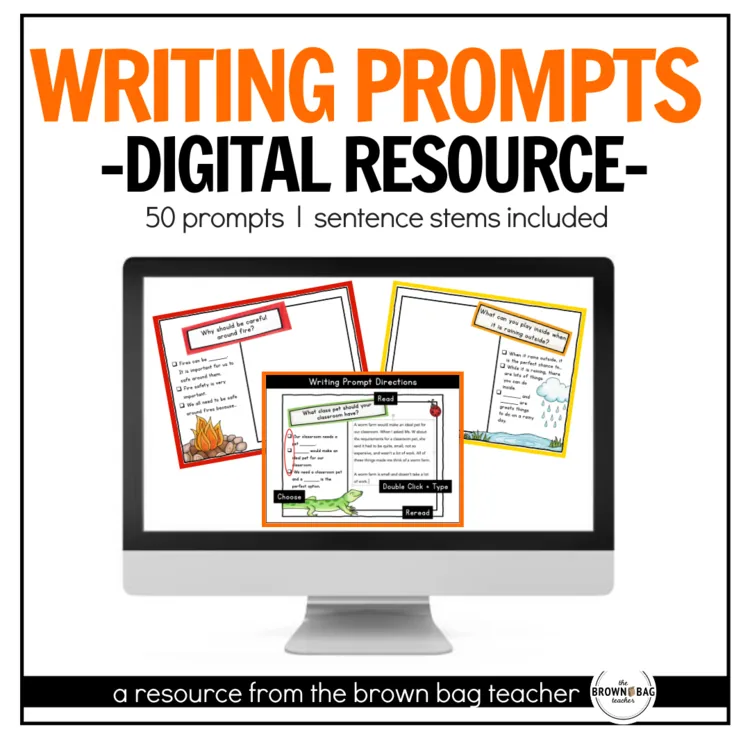
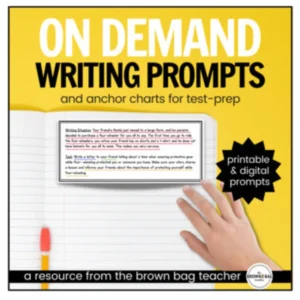
In 1st and 2nd Grade, students begin writing paragraphs for the first time. They need continual practice with real-world prompts. The 50 prompts with sentence stems in this resource are ones my students loved!
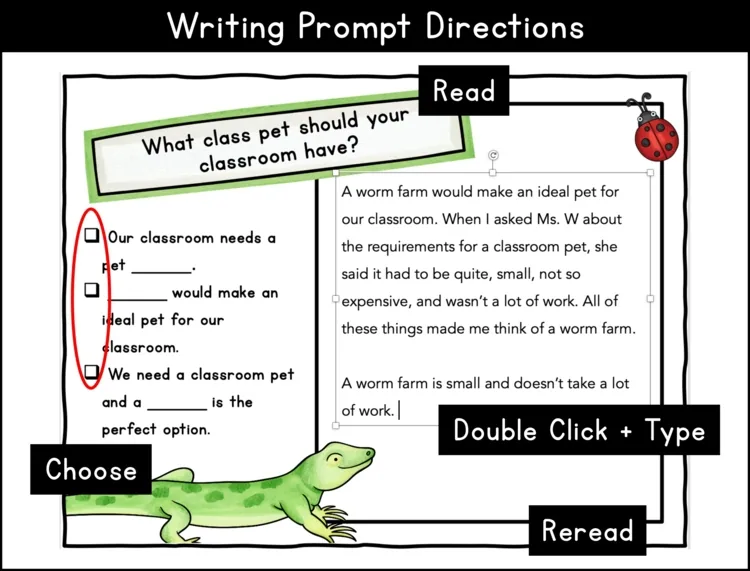
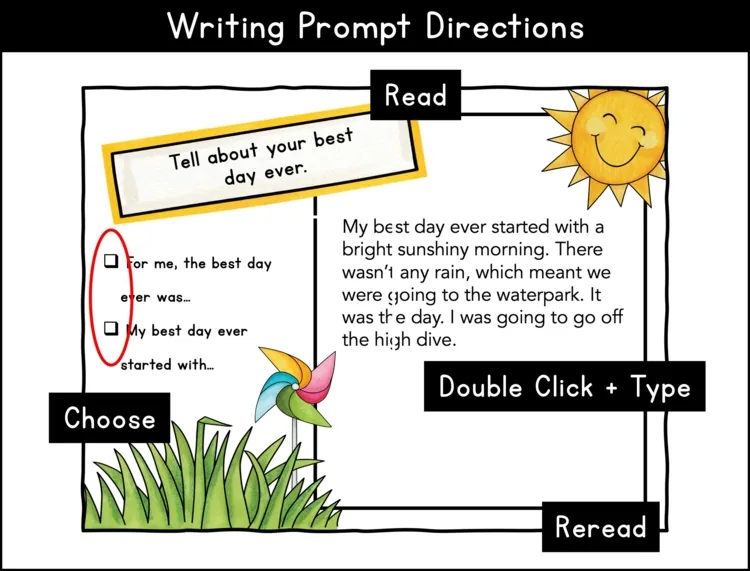
In 1st and 2nd Grade, students begin writing paragraphs for the first time. They need continual practice with real-world prompts. The 50 prompts with sentence stems in this resource are ones my students loved! They are ideal for at-home practice, work on writing centers, or a technology center.
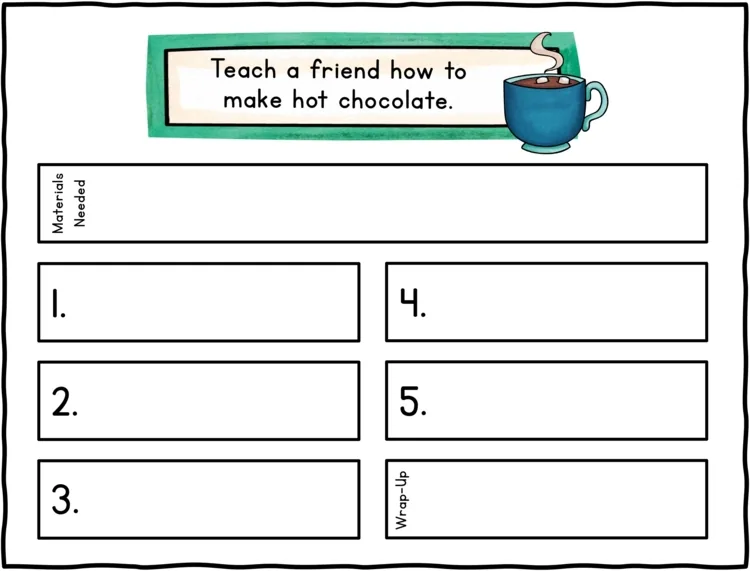
50 digital writing prompts (12-13 prompts per mode – Opinion, Narrative, How-To, Inform/Explain
Can I share this with students?
Yes! On a protected site or platform, you are welcome to share this digital file with students and families. That might look like a Google Classroom, a password-protected website, a password-protected Flip Grid, See Saw, etc. Due to copyright, the digital file may not be placed on a class website that is accessible to the general public. Have questions? Ask a Q&A on Teachers Pay Teachers, and I’m happy to answer!
With what programs is this compatible?
This digital file is able to work with GoogleTM Slides, Google Drive, SeeSaw. Microsoft OneDriveTM, or Pic Collage. Note – Any interactive features will not work in SeeSaw. Then students may submit their thinking digitally. For instructions on how to use this resource with Microsoft OneDriveTM and SeeSaw visit bit.ly/digitalinstructions
Can I share just one or a few prompts at a time?
After you make a copy of this digital file and add it to your Google Drive, you are free to manipulate the slides. You can add/delete/or move around the prompts to meet the needs of your students. Only want to share one prompt? Perfect. Delete the other slides and share the
file via Google Classroom for your students. Then, when you want the rest of the prompts, you can come back to this link and reopen the original file.
For students to respond to the prompts, the Google Slide must not be in presentation mode.
How can I scaffold student work during distance learning?
•Audio: Download the Talk + Comment extension from the Google Chrome Store and you can easily leave quick audio comments on different slides explaining the tasks or giving feedback.
•Videos: Want students to watch a quick video or mini-lesson before they begin? Add a new slide to the beginning of the document and link the video or task you want students to complete before beginning.
Happy Teaching,
Catherine
157 reviews for Opinion, Narrative, How-To, Inform/Explain Writing Prompts for Google Slides
Rated 5 out of 5
Jill – A Pizza My Classroom –
Perfect!
Rated 5 out of 5
Tara W. –
Great resource
Rated 4 out of 5
Meweka Brown –
Thank you!!
Rated 5 out of 5
Julie V. –
Great prompts! Very well organized!
Rated 5 out of 5
Lisa St Louis –
These are great for a free write activity. Thanks
Rated 5 out of 5
Joan Marie R. –
Thanks
Rated 5 out of 5
Celena C. –
A great digital resource for remote learning.
Rated 4 out of 5
Nicollette Sharp –
My students loved the variety!!!
Rated 5 out of 5
Tracy B. –
These were good for morning quick writes.
Rated 5 out of 5
Lindsey B. –
Great resource!
Rated 5 out of 5
Callie T. –
Excellent resource for independent writing activities.
Rated 5 out of 5
Yvette L. –
My students loved using this resource!
Rated 5 out of 5
Moore Adventures in Learning –
This was so helpful while we were distance learning to support students with writing time! Thank you.
Rated 5 out of 5
Joanne U. –
Excellent supplemental resource.
Rated 5 out of 5
Sugar Buzz –
Perfect for distance learning! I use these for our Weekly Five – Work on writing and the kids love them.
Right after you check out, your download links are on the order confirmation page, and your receipt email has the same links. Don’t see the email? Check your spam or promotions folder.
Each resource downloads as a .zip folder that holds all of its files.
iPhone or iPad: open the Files app, find the zip in Downloads, and tap it. It unzips into a folder you can open.
Mac: double-click the zip.
Windows: right-click the zip and choose Extract All.
My file won’t open or shows a file-path error.
This usually happens on Windows when the files are unzipped inside the Downloads folder, because the folder path gets too long. Move the zip to your Desktop, then right-click it and choose Extract All.
Still stuck? Reach out and I’ll help.
Do I need an account?
No, you can check out without signing up. An account is created for you automatically with the email you use at checkout, and you’ll get an email to set your password. If you already have an account, your order is added to it.
All major credit and debit cards, Apple Pay and Google Pay (through Stripe), plus PayPal and Venmo. Payments are processed securely, and your card details never touch this site.
What is your refund policy?
Because these are digital resources, they can’t be returned once they’re downloaded. Please look over the product description and preview before you buy.
If something is wrong with a file, or you bought the same resource twice by mistake, reach out and I’ll make it right.

Jill – A Pizza My Classroom –
Perfect!
Tara W. –
Great resource
Meweka Brown –
Thank you!!
Julie V. –
Great prompts! Very well organized!
Lisa St Louis –
These are great for a free write activity. Thanks
Joan Marie R. –
Thanks
Celena C. –
A great digital resource for remote learning.
Nicollette Sharp –
My students loved the variety!!!
Tracy B. –
These were good for morning quick writes.
Lindsey B. –
Great resource!
Callie T. –
Excellent resource for independent writing activities.
Yvette L. –
My students loved using this resource!
Moore Adventures in Learning –
This was so helpful while we were distance learning to support students with writing time! Thank you.
Joanne U. –
Excellent supplemental resource.
Sugar Buzz –
Perfect for distance learning! I use these for our Weekly Five – Work on writing and the kids love them.
Catherine T. –
Thank you