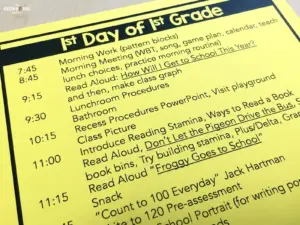

Do you ever feel like there is never enough time in a school day? That you are always behind schedule? <all teachers everywhere raise their hands> Sure choosing to extend an activity or bask in the moment is one thing, but consistently being behind is SO frustrating. As a class, we learn about, engage in, and begin DOZENS of activities every.single.school.day. So making every moment matter is critical! Today I wanted to share with you some of my favorite tools and strategies for keep our classroom moving and our day rolling ahead.

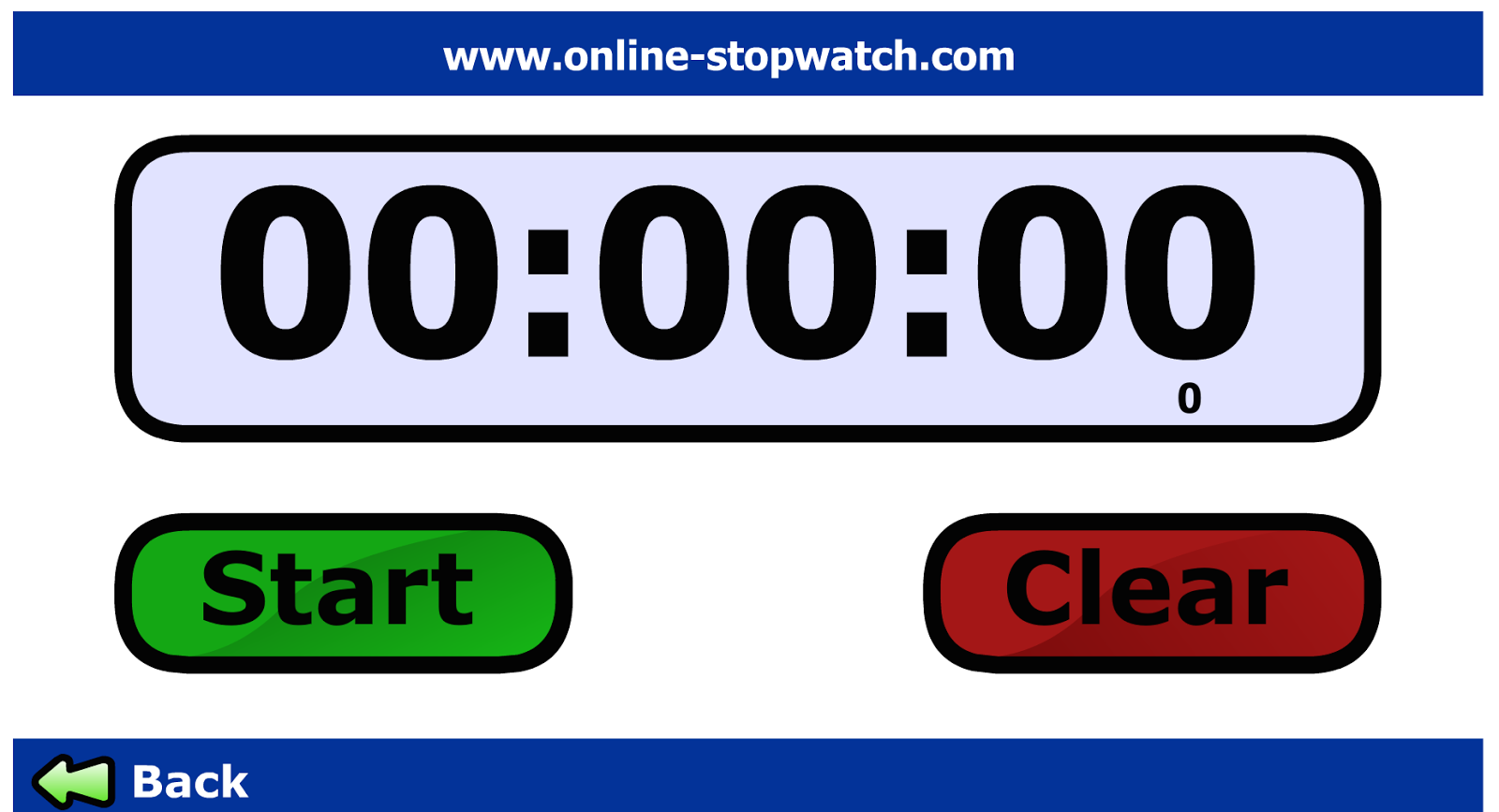
Online stopwatch is a free timer that counts down and also can act as a stopwatch counting up. With a large screen and easy-to-press numbers, this is my go-to classroom timer especially when we are building reading stamina since it can be seen easily from across the room. It’s simple to use, no bells and whistles, and my 1st graders can easily navigate it. Using this timer makes a coveted classroom job and it also keeps our class rolling. Begin Heggerty, set the timer for 12 minutes, and then, move on.
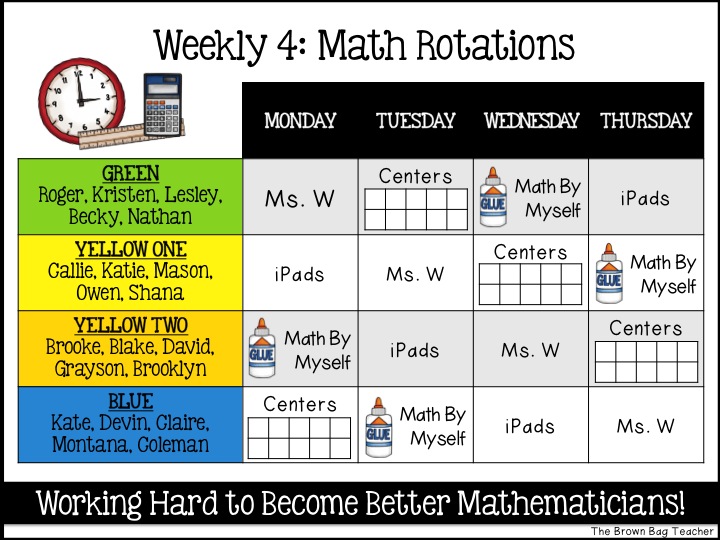
The iPhone Timer is one of the best tricks of the teaching trade. It is PERFECT for reminding you of those things that always get lost in the hustle of the day – i.e. Alice going to the office for her medicine, taking attendance and sending-in lunch count, sending Jake for Wednesday speech. My iPhone is littered with dozens of reminders and alarms. Plus, you can assign different sounds to each alarm so students know when ‘their’ alarm is sounding and can take action! Once students are trained, it places the responsibility on your students, which helps build independence. #winwin

For times when you need your SMART Board or screen for something but still want a timer, I love this magnetic timer from Scholastic Reading Club that I snagged for FREE with bonus points. It makes a faint ticking sound as it counts down which it a perfect auditory reminder for students that time is limited, and when the time is up, there is a cute little jingle.
I use this timer for impromptu timings, timers for a specific group of students (since it is not evasive and pretty quiet), or when the time needs to move to a certain area of the room. Most of our classroom future is metal, so it is easy to move the timer to our classroom library, our pocket chart center, or Work on Writing.

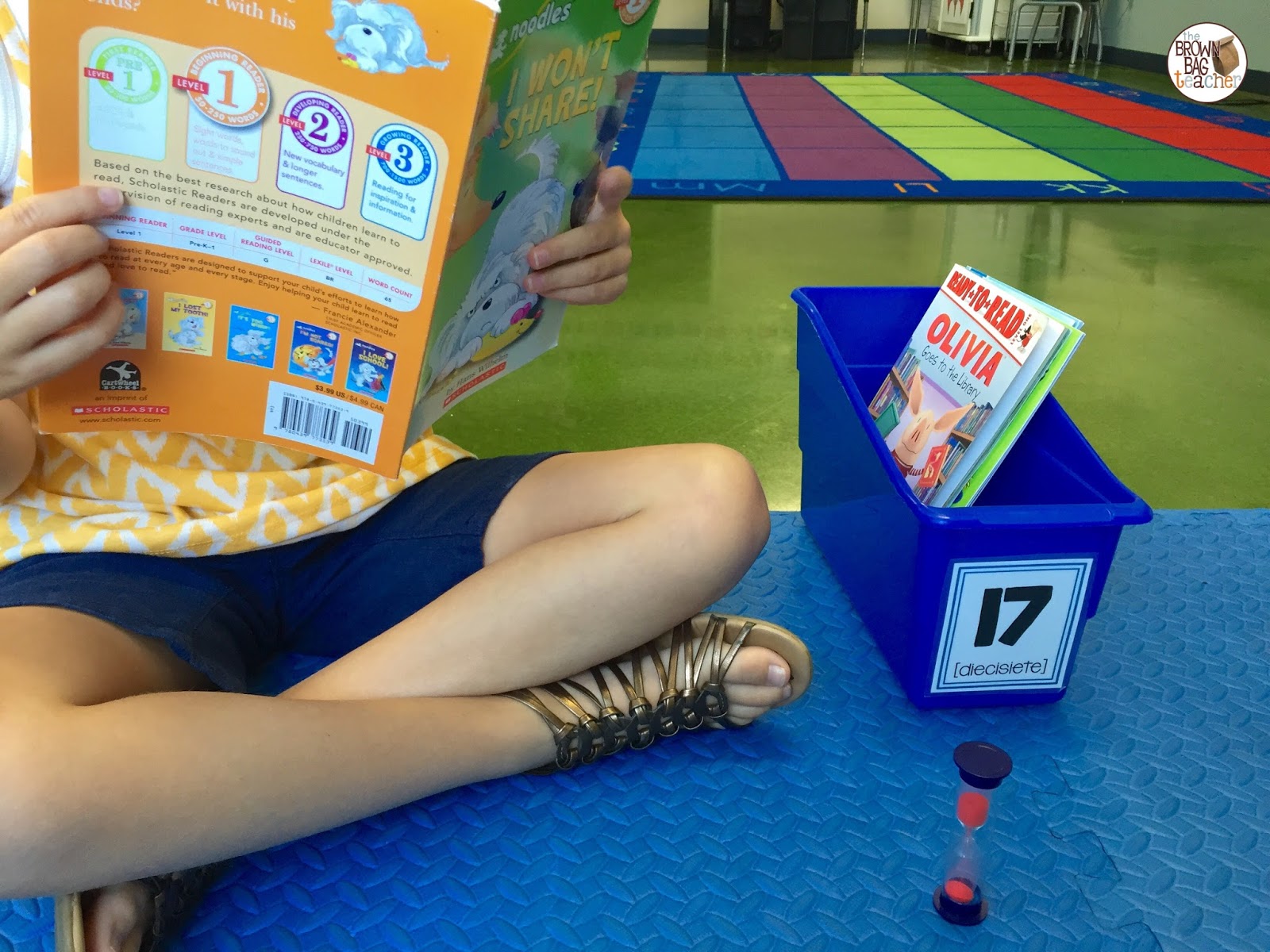
Lastly, a sand timer (Amazon affiliate link) is a simple intervention and support for individual students who struggle managing their own time or are working toward a specific goal or end. It’s an ideal tool because it is inexpensive, hard to break, small, and silent. No one else in the room needs to know a friend is using a timer!
My “barometer students” (students who help you determine the “weather” of a room and are often the students who break stamina first) keep a sand timer in their book bins. It helps remind them of the just-right times to change books or positions when reading. Additionally, I have several friends who keep a 2 or 3 minute minute timer next to them during Work on Writing to alternate writing and drawing. This is a strategy I use with friends who seem to do a lot of illustrating and just a *little* writing. 😉

Now are timers always appropriate? Absolutely not! Sometimes we use a timer but decide the learning moment is just too great to pay attention to it. Plus, if a timer is adding stress to the classroom or causing panic, we ditch it! BUT so many times, it is the gentle prod I (as a teacher) need to keep things moving and grooving, and it helps focus many of my learners. Plus, anytime my 1st graders can take responsibility for their own learning and pace themselves, I will also consider that a win!
Do you use timers to help manage time and keep you on track in the classroom? What other tools and resources do you use? I’d love to hear how you keep things rolling in your classroom!


12 Responses
I love your idea about using sand timers in Work on Writing. I had several students last year who would spend the entire round drawing their picture and never get to the writing. I can't wait to try this. Thank you!
In your alarms, you list 'Behavior Google Form.' I would love to know how you use Google forms for behavior. Maybe tracking or reporting to parents?
Thanks!
Love these ideas. Ditto on Marietta's post. THANKS!
I love the idea of using sand timers for Work on Writing! I cannot wait to try it out this fall. I love your blog. Thanks for sharing your ideas. 🙂
Catherine, everyday I seem to run into one or another of your inspiring tips/ideas. I love your motivation and energy. Thank you for bringing your collection of teaching ideas to us.
Hi Catherine,
Some simple yet very useful tips, thanks!
I’m on maternity leave at the moment but reading the beginning of this (talking about there not being enough time in the day, etc) took me straight back to the chaos of the classroom. I will definitely give some of these things a go when I return!
I love that you mentioned how using a timer can help children learn how to pace themselves and focus more effectively. It takes hours for my son to finish his homework, he always ends up playing doodling on the paper or rolling his pencil on the table, I need to teach him the importance of time management. I think that it would be a good idea to get a timer so that my son will be able to get his work done in a timely manner.
Great post, thanks ! I set a timer for independent reading time every morning and often during the days for showing students the amount of time they have for a specific task (I.e 20 min to write in their journal). Generally use the timer on classroomscreen.com as that page is almost always on display in ny classroom. Really like the idea of students being able to time their work independently though!
Thanks for this great post.
Timers are a great way to keep the classroom on schedule and also helps with the classroom environment setting.
I use my phone’s clock feature and set multiple timers like you illustrated above. I have also been using timers on YouTube. Some have music, while others don’t. I depends on the class and my mood which type (music or no music) I choose. I like the hard-to-find 40 minute timers (like this one https://youtu.be/b6wxsJsoMvU) because they are perfect for my 45 minutes classes where students are finishing up a previously worked on project. There is less of the “just one more minute” kind of thing that happens when they have that constant visual reminder up the whole class.
Great idea re the different alarm sounds for different children – I already use the iPhone timers for a few different reminders, so this will be a great way to personalise them and build some independent responsibility in my 7yr olds. Thanks for the great tips; I always enjoy your posts.