
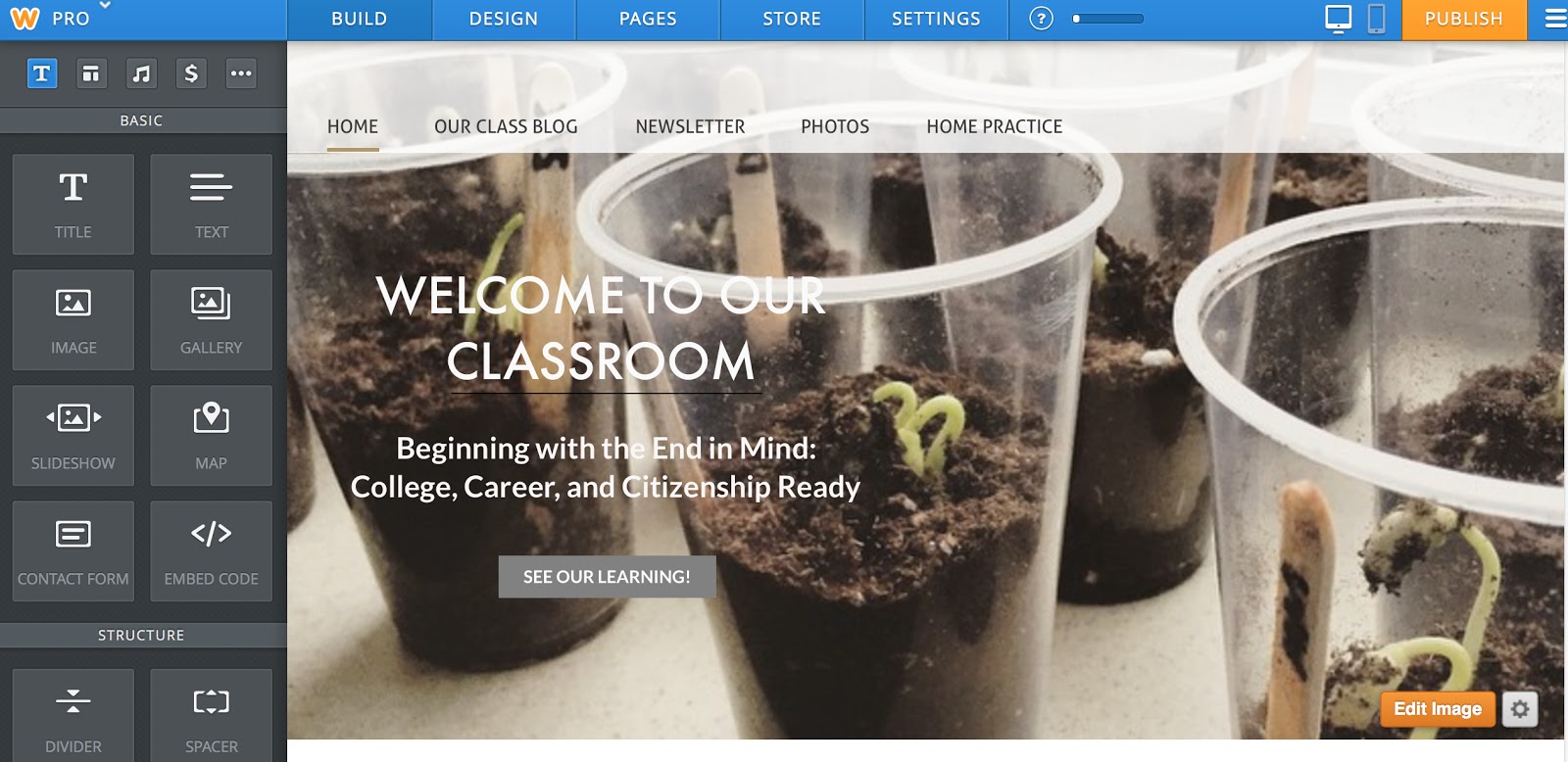
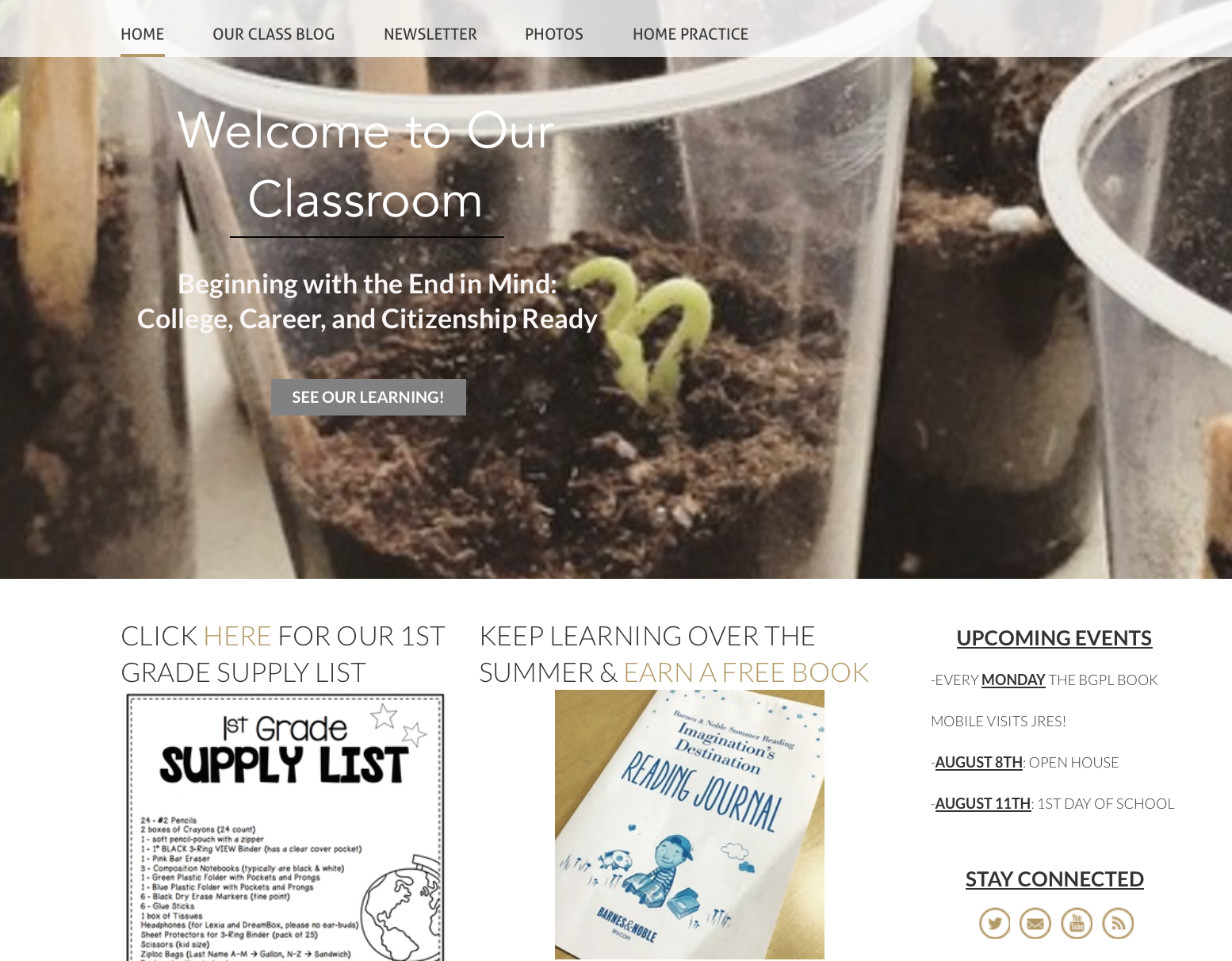
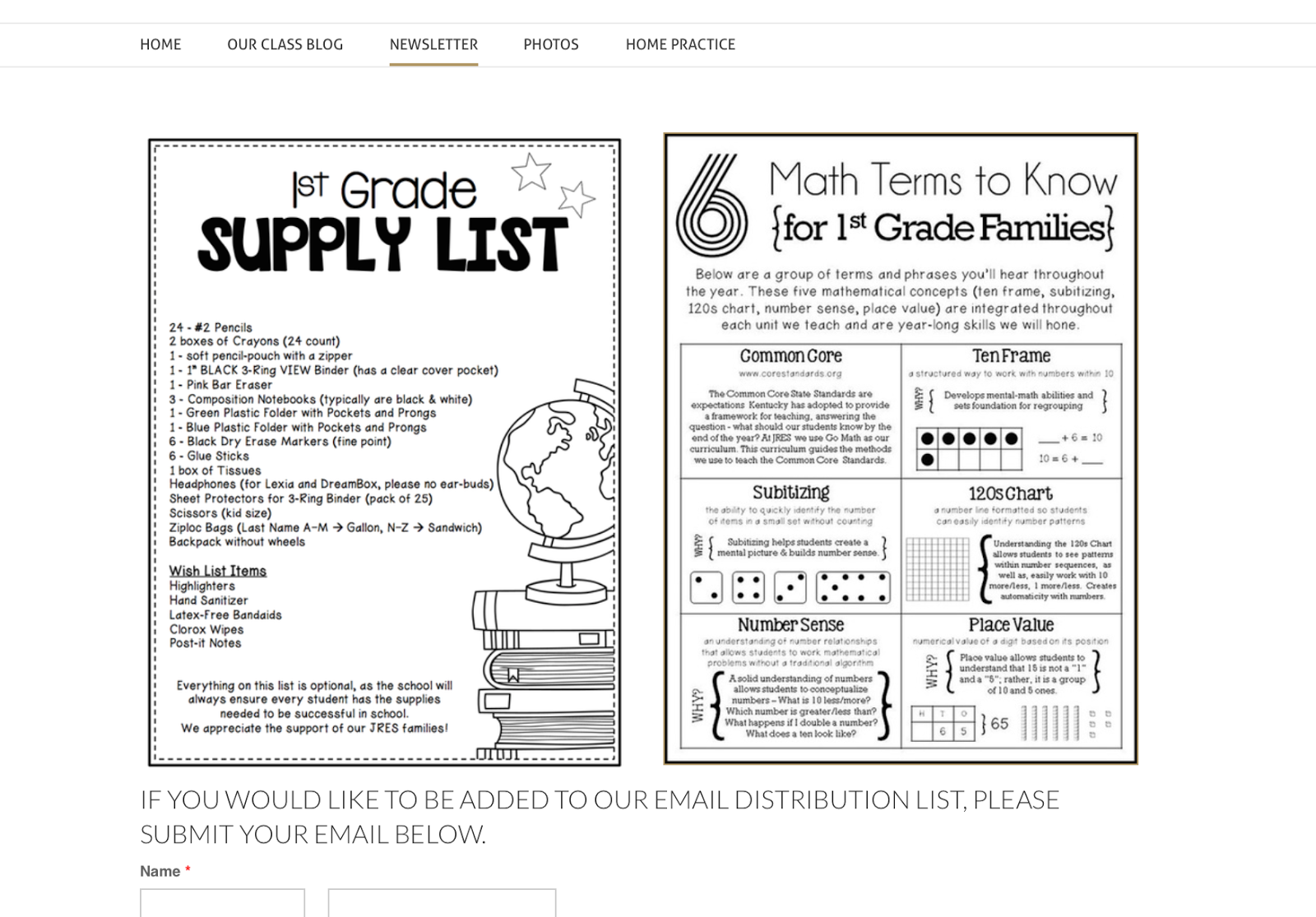
On each page of your website, you can choose whether or not you want a header. On our Newsletter page (above), I opted for no header but on our At-Home Practice page (below), I’ve included a simple picture (from Weebly’s stock photos) and a title.
Within each page, you can drag-and-drop pictures, text, headings, or videos. Within our At-Home Practice page, I’ve included logos to learning resources and then, added the weblink so families can click on them and be instantly connected. I’ve also included the usernames and passwords, so there is easy-access on the weekends and over breaks.

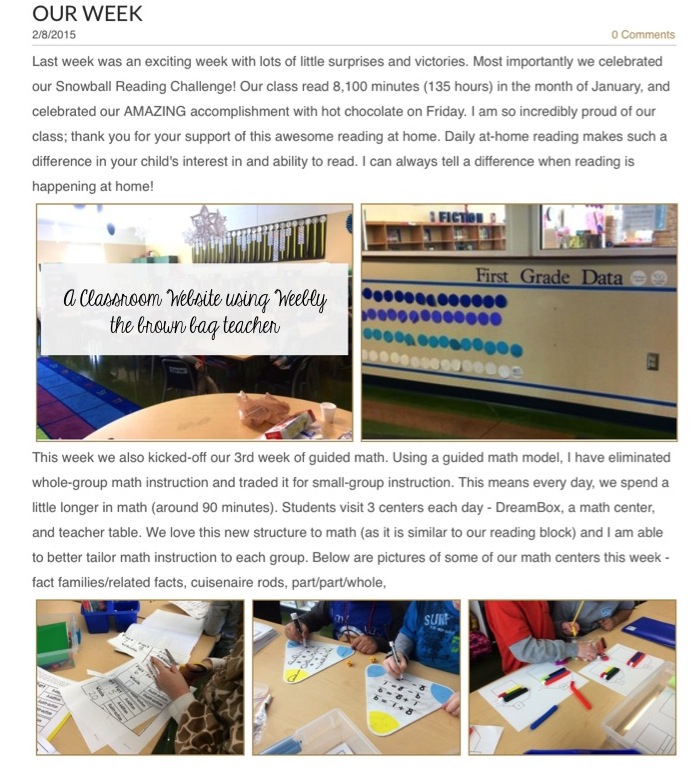
(1)Website Traffic – I love my classroom website and truly feel like it’s a fabulous method of communication. BUT if my families weren’t using it, I would want to know that and make another plan. I like seeing how often my website is visited and how people are accessing it (what pages, from what links, etc.)
(2) Ad Free – Although there are very few ads (usually just one at the bottom of the page) with a free account, it still drives me bonkers.
(3) Password-Protected Pages– with a paid account I can password protect any or all of the pages on my website. So, if I wanted to or families asked, I could put a password on our Classroom Blog or Photos tabs, so only people with the password would have access to these pages.
This was very informative . I didn’t know abut Weebly. I will be looking more in to it. Maybe it ‘ll help me with my class next year.