

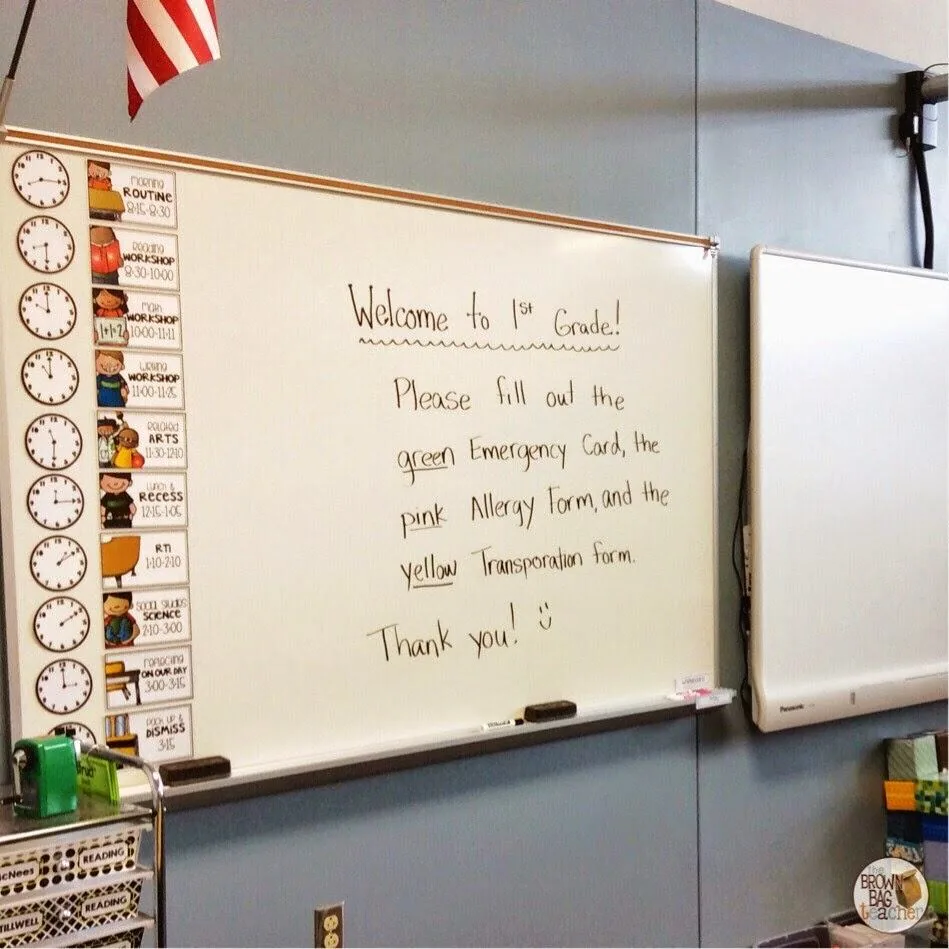
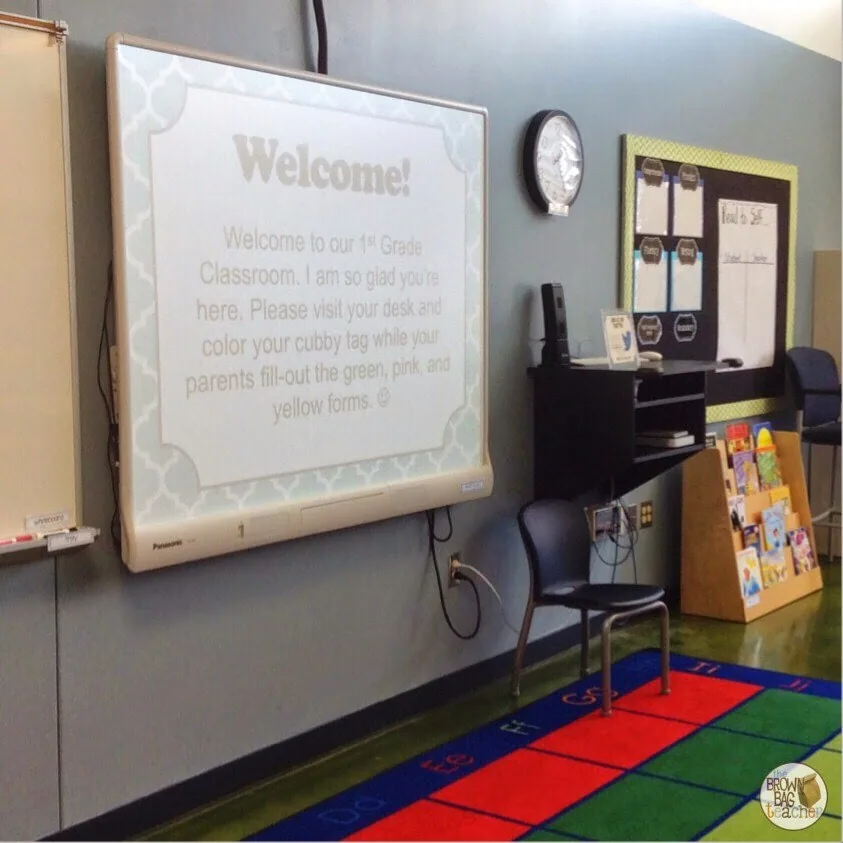
Initially, I’d planned to do Open House stations, but after 3 successive nights of nightmares in which mass chaos ensued, parents were fighting each other for pens, and I received none of my pink, yellow, and green forms (the forms the office MUST have back), I chickened out. Yep, that’s right. I couldn’t do stations. I was too scared. Too scared.

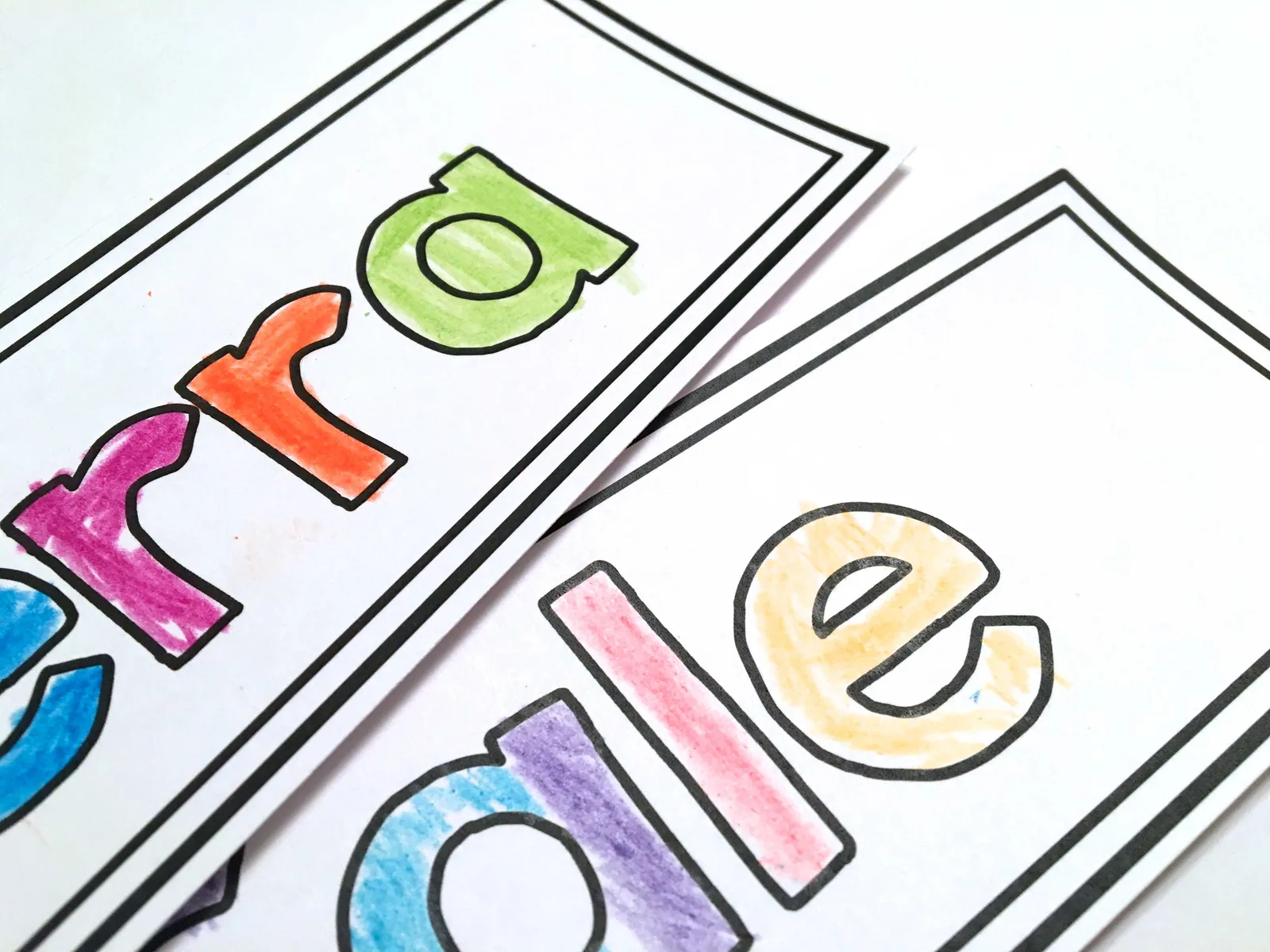
While parents were working on the paperwork, I created Cubby Tags (just a bookmark with the student’s name on it) for my 1st graders to color. It was a great way to personalize each student’s cubby and it kept students busy during the paperwork process!

After families completed the paperwork on their student’s desk, I had smaller stations around the room. These were non-vital stations, so if they didn’t make it around/see it, it was no big deal. At one station, I included blank envelopes and asked families to address an envelope. This will make writing my first note home simple.

Rather than having families sort their own supplies, (please note – there were easily 40 people in my room at all times. Sorting supplies was not an option) student’s placed their supplies in their cubby, and I sorted it all in 30 minutes or so after everyone left!

Waiting in each cubby was this glow-stick bracelet (15 for $1 at the Target Dollar Spot) and this fun note. 🙂


Also, I’m looking forward to using Remind this year. It will be a great way to send notes about things that are easily forgotten – lunch money, spelling lists, evening events, etc, and it helps families stay connected! By the end of the Open House, I had 10 families signed-up. 🙂

Not every family is able to come to Open House. Due to jobs, vacations, moves, late notification, etc – there are lots of reasons a family might not be able to visit the classroom before school. Offering a virtual Open House gives families access to the classroom, as well as a resource to com back to throughout the year. 
As students leave, they grab an All About Me bag. This bag is a perfect way for students to share about themselves and is the first time my 1st graders are asked to speak in front of their peers. Over the course of the first full week, we will share 5-6 bags each day. (Don’t forget to bring in your own All About Me bag.)
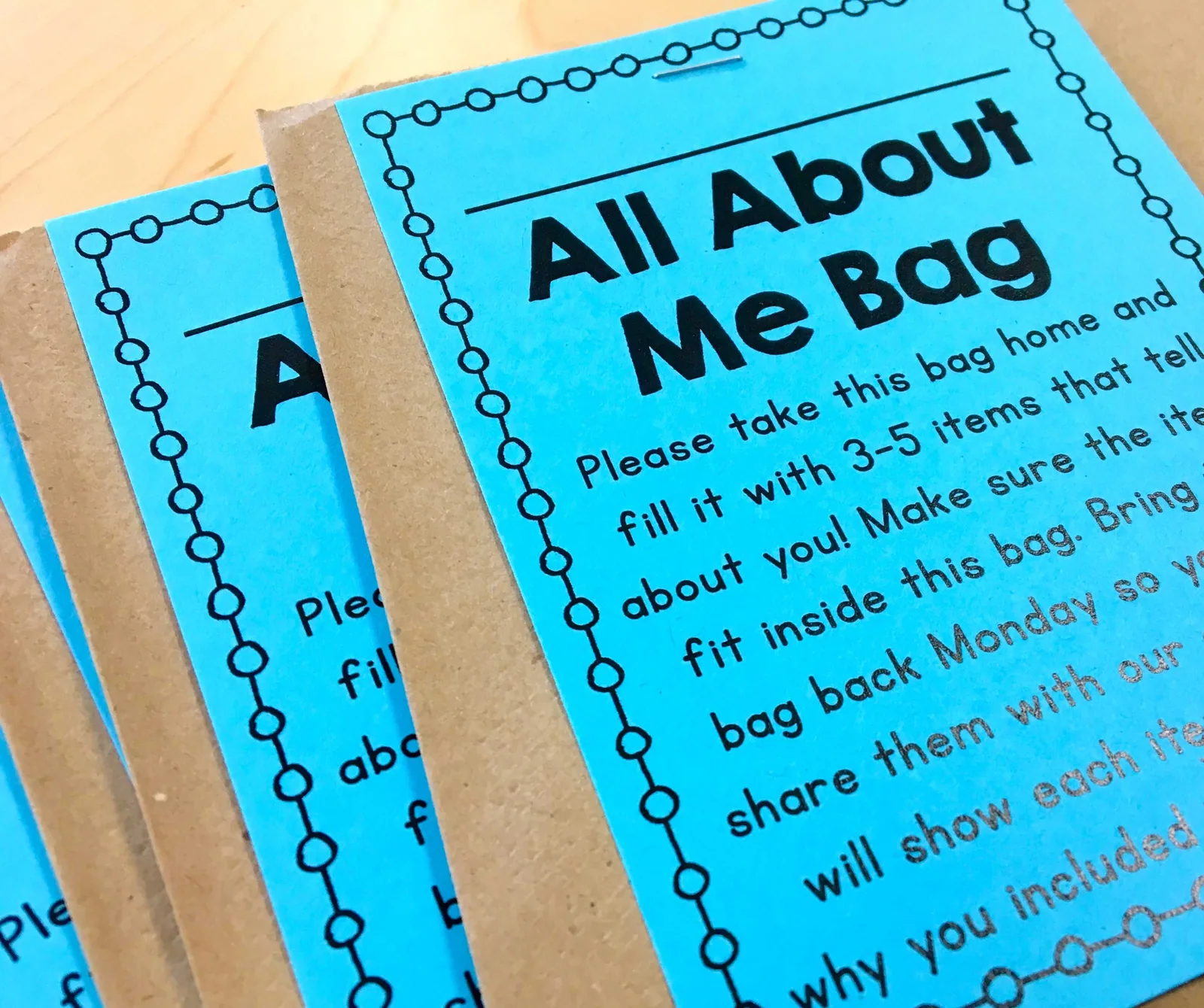
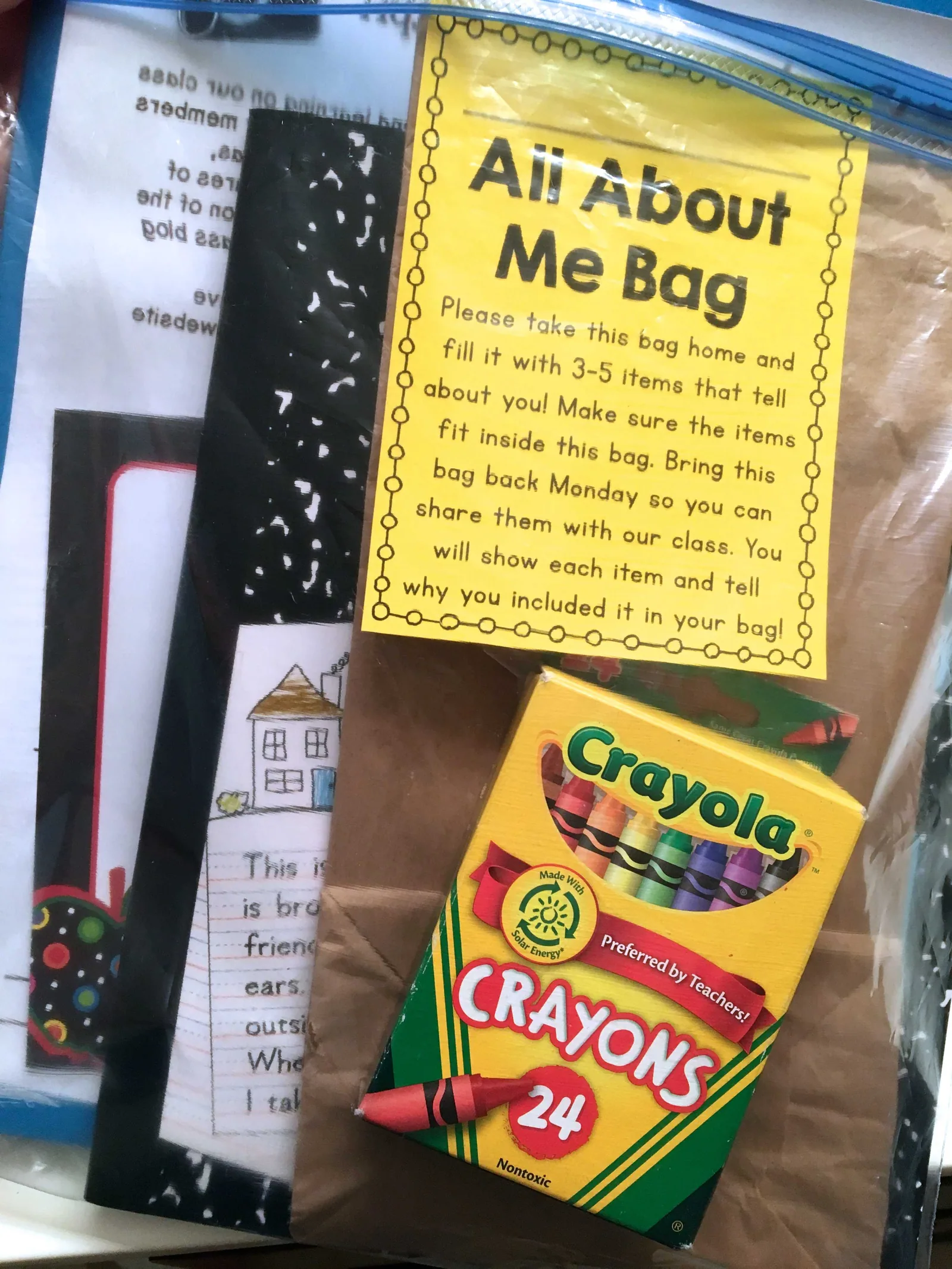
Not every family knows about Open House or is able to attend. Plus, we all recevie new students throughout the year. Typically, I make 4-5 extra sets of all the materials and put them in a clear plastic bag. I store them in a cabinet and they are ready to go when a new friend arrives! In my packs I include a writing notebook, a folder, Open House paperwork, an All About Me bag, a pack of crayons, a sticker chart, and a few other class-specific goodies. 🙂
So, there you go – Open House! It was a whirlwind hour-and-a-half, but it was so wonderful to meet my sweet new friends and their families. Below is a screen-shot of all the station signs that I had up around the room. You can snag these station signs in blue, green, or black/white by clicking here or by clicking below. They are completely editable and include my Open House forms, as well. Have you had your Open House yet? If so, do you use stations at your Open House? If you do, how do you control the masses and still ensure you still get your green, yellow, and pink forms returned? I’m curious!
🍎 Looking for other blog posts to help you get ready for the new school year? Check out these teacher favorites…

20 Responses
You're amazing to even write this blog post tonight! I'm so excited that you had a great turnout for your Open House. I get to experience your new world tomorrow, I'm teaching a half-day Reading MegaMinds for 1st and 2nd graders. 🙂 Since we don't go back to school until the end of the month there are enrichment/catch up weeks. Get some rest these next few days and good luck on Wednesday, I know it's going to be AWESOME!
Oooo..love on those 1st and 2nd graders! They're awesomely tiny and full of great questions. Good luck, sweet friend! 🙂
Looks great! We don't have an open house before school starts. We do a back-to-school night about two-three weeks after the school year starts that tells parents about the school program and classroom expectations. I LOVE the idea of meeting my kiddos before the year starts, but that never happens. There's still class changes up until the day before and even after school starts!
What I Have Learned
Loved your Open House tour!! We don't have open house! Just back-to-school night a few days in! All your signs are adorable!! Hope you have a great first week of school!!
Molly
We have a meet and greet the day before school starts, and Open House about a month in. All our forms go home the first day in a huge envelope. I love the sneak peek of your classroom-can't wait to see more!
🙂 Kaitlyn
Smiles and Sunshine
So, so soon Kaitlyn! 🙂
I love your signs! I am so glad that you were able to meet so many of your firsties today too!! I love the way you put up a sign with clothespins! What a great idea!! I can't wait to get ready for our back to school open house thing! Our is on Thursday!! EEK!!!
Mrs. 3rd Grade
Eeeekkk – that's so exciting!!! I hope you have a wonderful week back in the groove. 🙂
Adorable! Great job! All of your students are SO lucky to have you as their teacher! SO LUCKY! Have a wonderful first day!
Courtney
ramonarecommends
I love your daily schedule cards! Did you make those? Will they be available? Cute 🙂
I love your schedule cards as well!!! Please share where they can be found 🙂
I thought I posted a comment already but something went wacky, so sorry if this posts twice…
Love your idea about printing on post-its! I still don't understand exactly how to do it after reading your instructions though. Do you glue the typed portion on the post it? Or run the post it's through the printer over top of the squares?
Thanks for the tips!
Good luck this year!! I look forward to hearing about your journey through first grade. If you need anything…let me know!!! I love all things first grade 🙂 BTW…I love how crisp, clean, organized everything looks in your room (from what I could see so far).
Em
Curious Firsties
Wow – everything looks great! We will have open house before school starts too and also one about a month after school begins. The first one is more of a "meet the teacher" and the second one is more of a "learn about the curriculum". Being in middle school, I don't do stations either but I do try to get the important info out there in some creative way. 🙂
-Lisa
Mrs. Spangler in the Middle
I liked your welcome gift. Usually I skip those because I would rather spend the money on my classroom. But I think I could handle $2-3. Great idea!
Looks like a success! Yay!
Little In Betweens
Love this and so excited to see your in first grade!!! I'm in first grade as well so I'll be coming back often 🙂
~Tammy
Loved this post! I'm having open house next Friday & I am trying to stick with the stations idea. I did a little "scavenger hunt" last year but I only had 6 families show up. Is there any chance you would share your Open House signs? I'd love to edit them to fit my classroom because they are so so cute!
How did you like the Remind app? I’m thinking about getting it for my parents to communicate with?
Hi Courtney! I LOVE Remind!!! I’ve shared more about it here: http://brownbagteacher.com/tips-for-using-remind-in-classroom/